Introducing the Techy Truck: A New Way to Grow Your Techy Franchise Without the Traditional Storefront
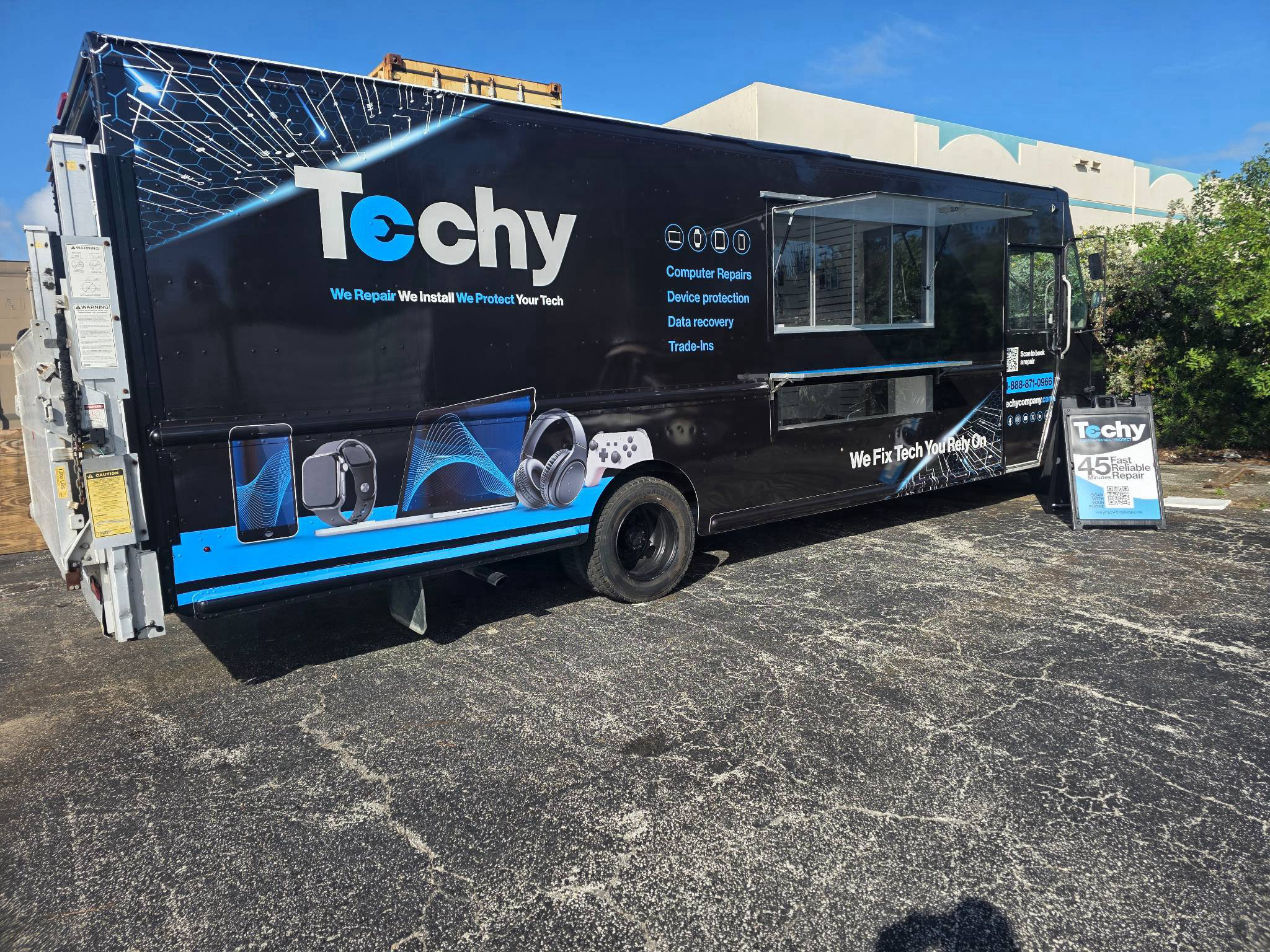
The future of electronics repair is mobile. And with the introduction of the Techy Truck, franchise owners have a new opportunity to bring professional technology repair services directly to high-traffic retail locations. At Techy, we're always looking for innovative ways to make technology services more accessible while creating new opportunities for franchise growth. The Techy Truck represents an exciting evolution of our business model, allowing franchise owners to expand their footprint, reach new customers, and capture additional market share without the traditional overhead associated with opening another brick-and-mortar location. Imagine operating a fully equipped mobile phone and computer repair center right in the parking lot of a high-traffic Walmart store, where shoppers are already spending their time. That's the opportunity behind the Techy Truck.
What Is the Techy Truck?
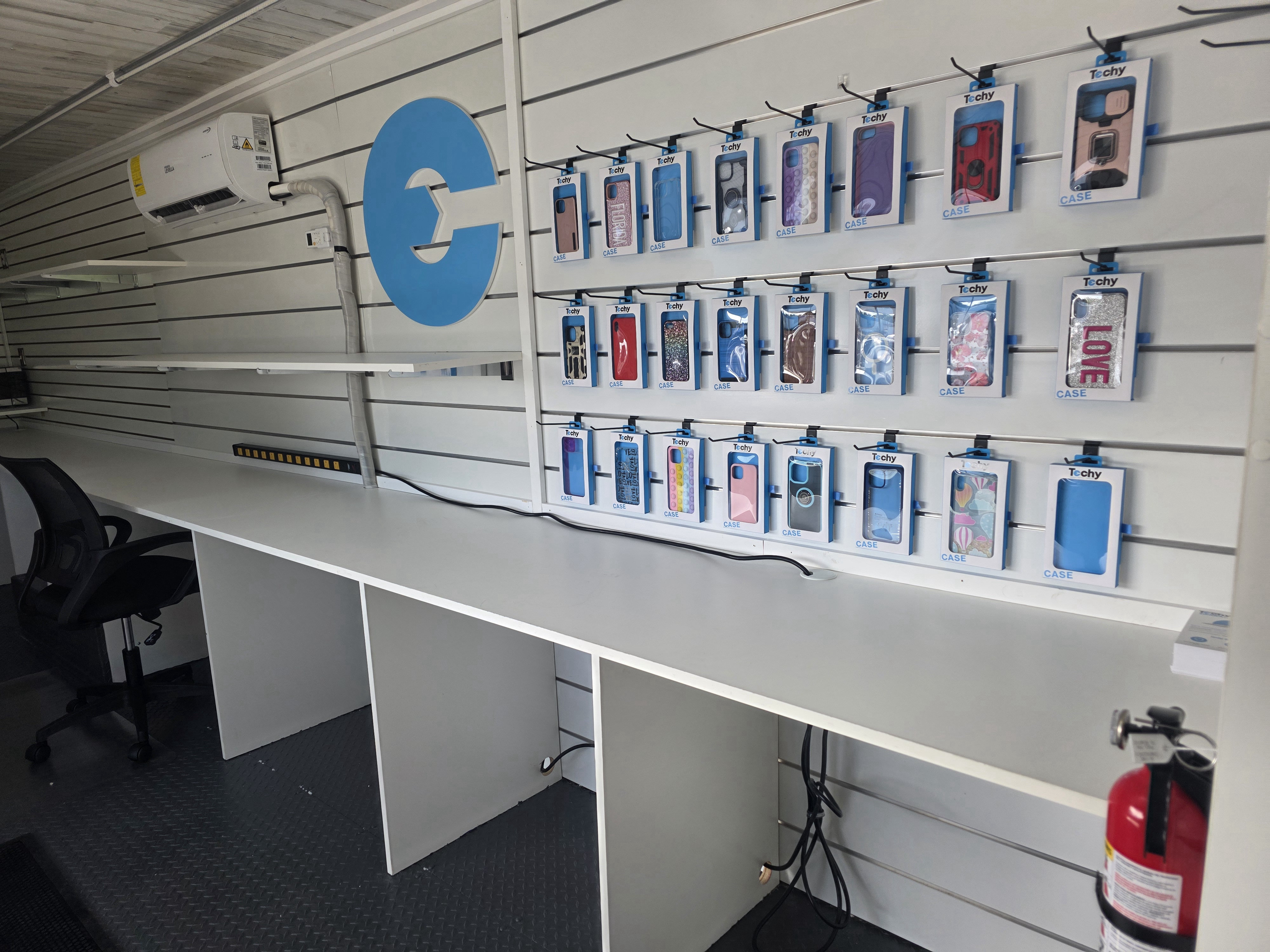
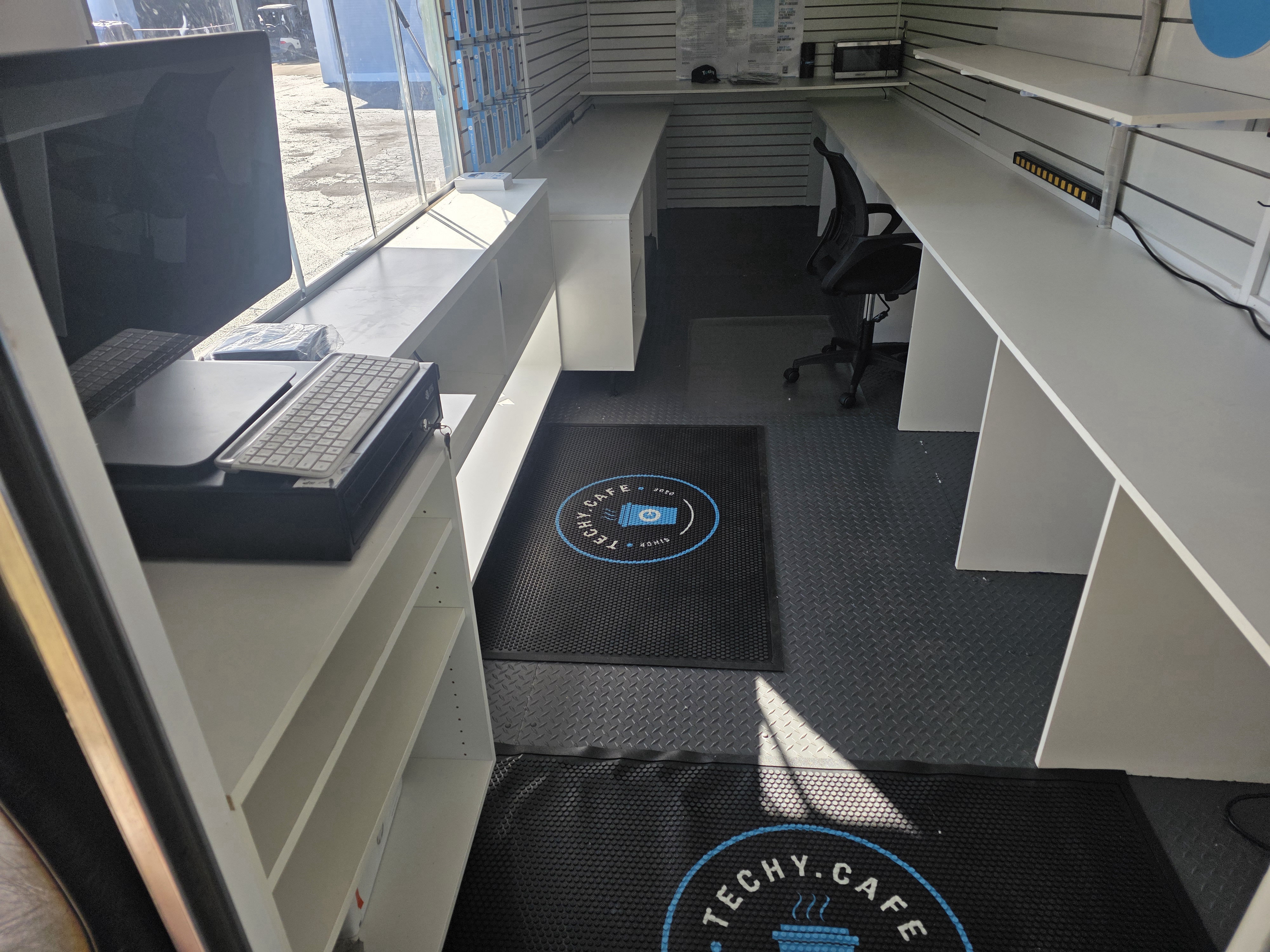
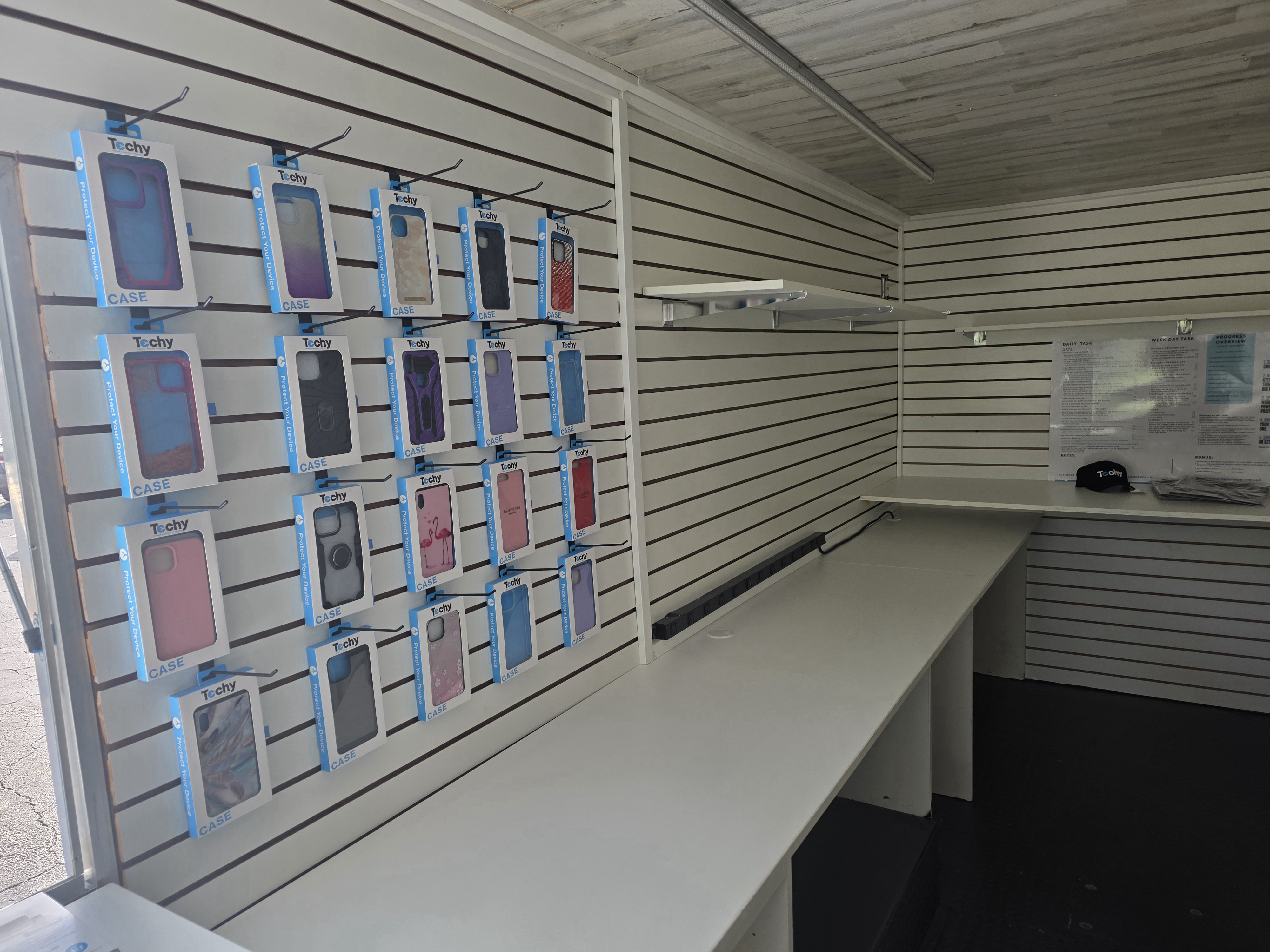
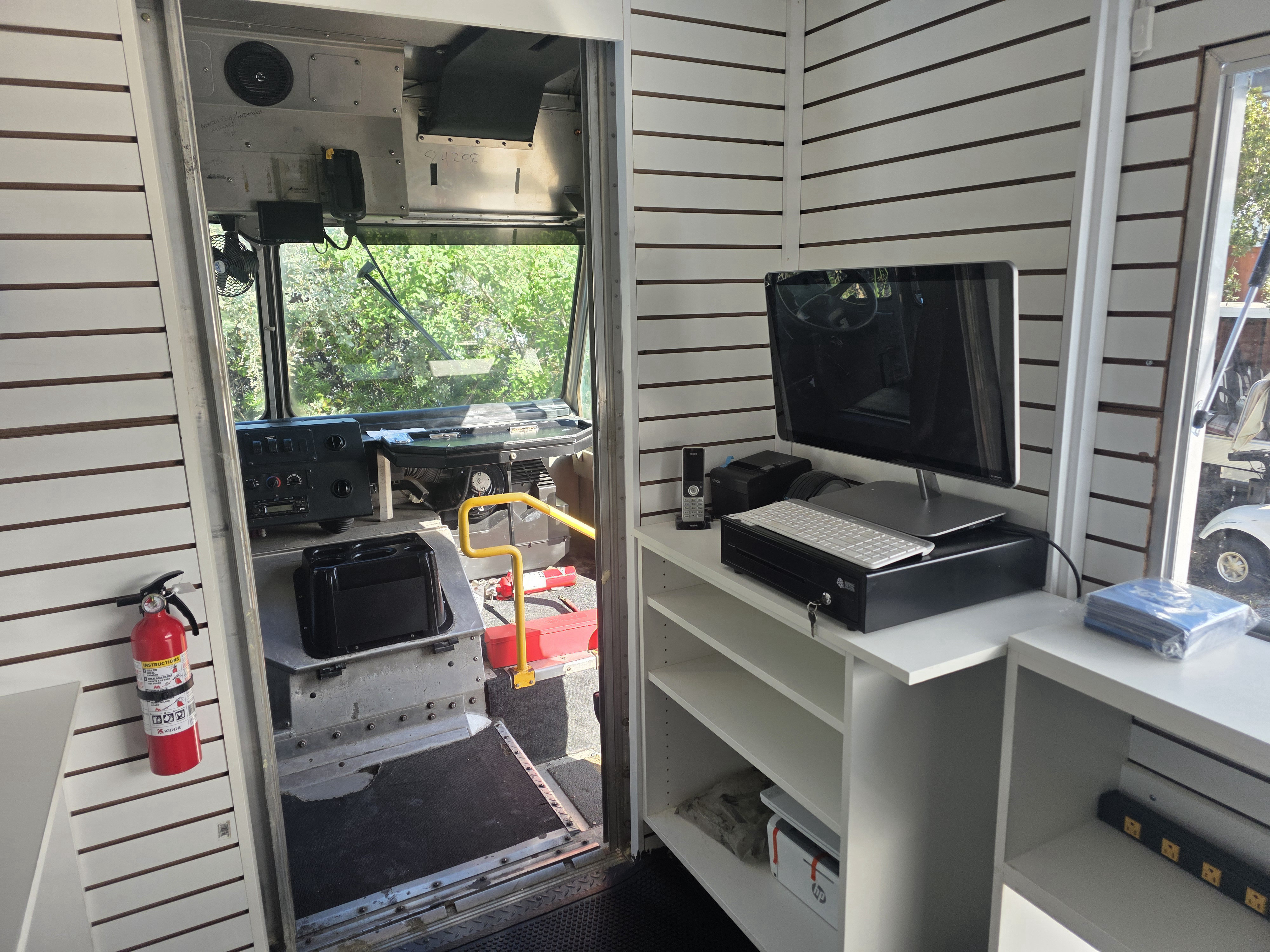
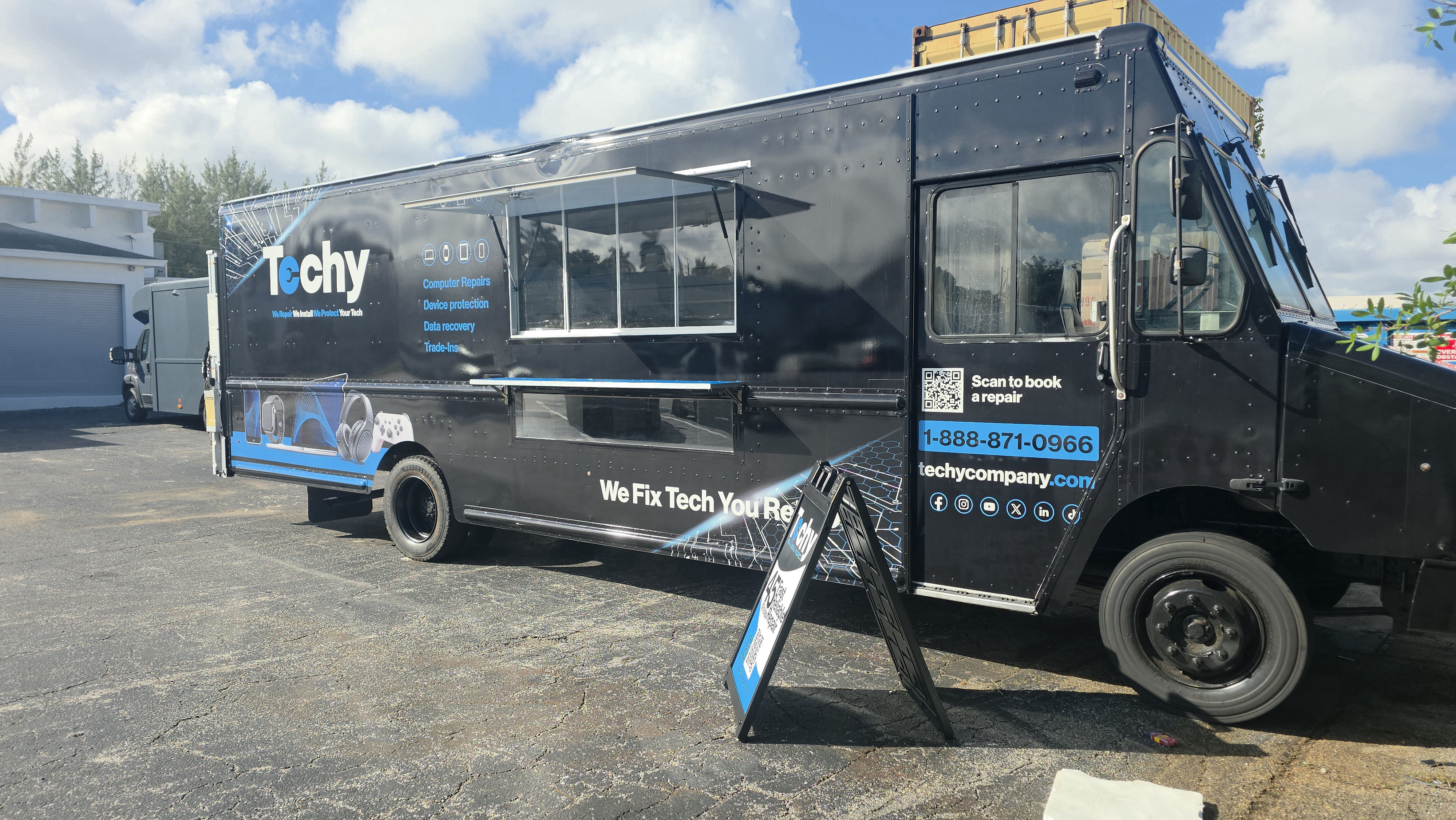
The Techy Truck is a mobile electronics repair center designed to bring convenient technology services directly to customers in high-traffic retail environments. Positioned in the parking lots of top-rated, high-foot-traffic Walmart stores in major cities, the Techy Truck puts repair services where customers already shop, work, and run errands. Rather than requiring customers to make a separate trip to a traditional repair store, they can drop off their devices, complete their shopping, and return to pick up their repaired technology. The Techy Truck offers services including: Smartphone and tablet repairs Computer and laptop repairs Data recovery Electronics trade-ins It's a convenient approach to technology repair that combines accessibility, visibility, and a scalable business opportunity. Why Franchise Owners Are Choosing the Techy Truck Grow your footprint, not your overhead. One of the biggest advantages of the Techy Truck is the ability to expand an existing brick-and-mortar business or enter new markets without taking on the traditional real estate overhead of another retail storefront. Here are three key advantages: 1. Access to High-Traffic Locations The Techy Truck operates in strategic retail parking locations, creating opportunities to reach shoppers who might not otherwise visit a traditional electronics repair store. 2. Flexible Expansion Franchise owners can choose between 16-foot and 22-foot chassis options to accommodate local permitting and parking requirements. 3. A Revenue-Generating Mobile Location The mobile model provides another way to grow your business, increase brand visibility, and reach customers in high-density areas. A Complete Repair Center on Wheels
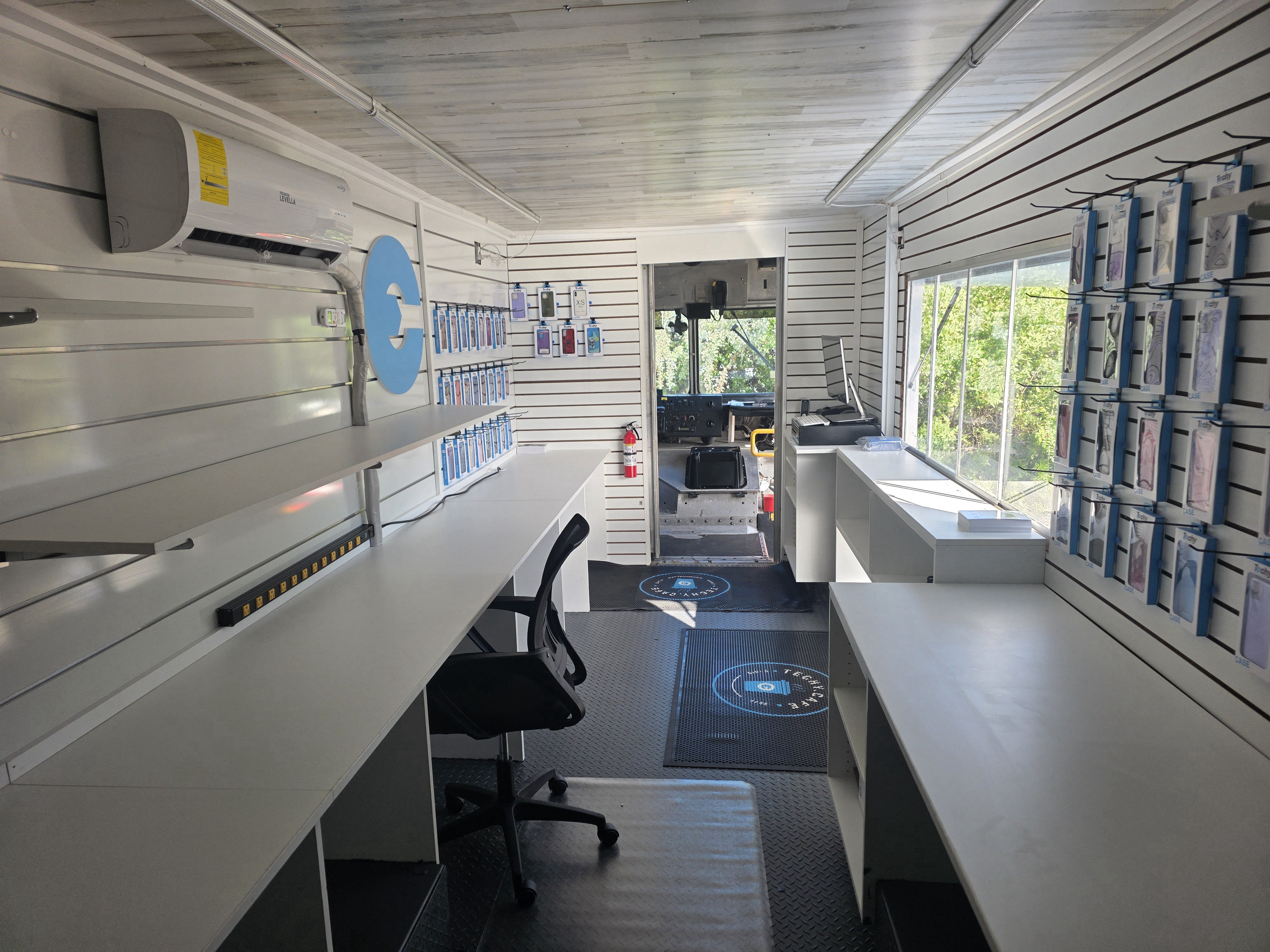
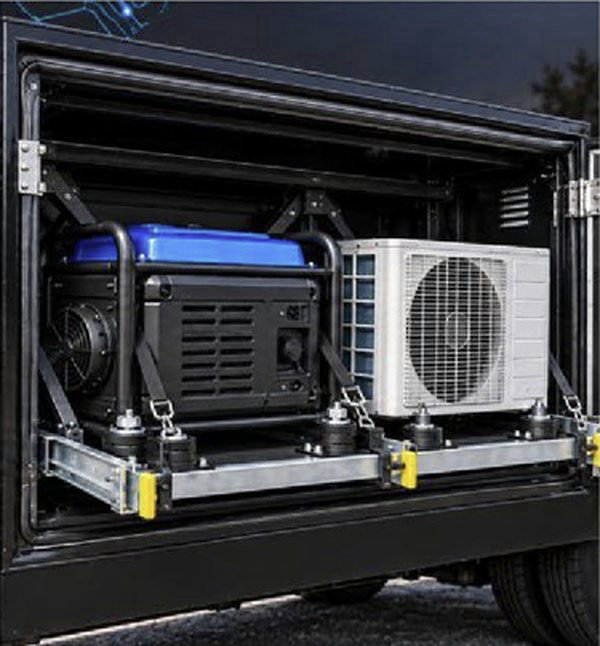
The Techy Truck isn't simply a vehicle with a service window. It's designed as a fully equipped mobile repair center. Each truck package is designed to provide the equipment and infrastructure needed to operate a professional repair business. The package includes: Complete electronics and repair desks Secure storage Exterior Techy branding A-frame signage Onboard generator Climate-control air conditioning Full tool and parts layouts Workspace for 1–2 technicians With a self-powered setup and dedicated repair workspace, franchise owners can operate a professional repair environment directly from their mobile location. The Drop-Off & Shop Customer Experience The Techy Truck is built around a simple customer experience: Drop Off. Shop. Pick Up. Here's how it works: Step 1: Drop Off Customers bring their devices to the Techy Truck and leave them with the repair team.
Step 2: Shop Customers continue their shopping while the technicians work on their devices.
Step 3: Pick Up Customers return to collect their repaired devices. Many repairs can be completed in approximately one hour, depending on the device and repair requirements. This approach makes technology repair more convenient for busy customers while creating opportunities to serve shoppers during their regular shopping trips. Techy Truck Franchise Package & Investment
The Techy Truck franchise opportunity is designed to provide franchise owners with the essential components needed to launch their mobile repair operation. Starting investment $100,000 What's included in the package? Package component Details Truck buildout Complete Techy Truck buildout, including generator Inventory $8,500 parts and accessories package Branding Full Techy Truck wrap Marketing Additional marketing materials HQ training 2 weeks of training On-truck training 1 week of training and setup
Investment information is based on the Techy Truck franchise opportunity overview. Prospective franchise owners should contact the franchise team for complete investment details and applicable franchise requirements. Training and Support to Help You Get Started Launching a new business model requires the right preparation. The Techy Truck package includes a structured training and setup process. Franchise owners receive: Two weeks of training at Techy Corporate Headquarters. One week of on-truck training and setup. A complete truck buildout. An inventory package containing parts and accessories. The goal is to help franchise owners prepare their mobile operation with the equipment, training, and resources outlined in the Techy Truck package. Is the Techy Truck Right for Your Franchise? The Techy Truck may be an opportunity for: Existing Techy franchise owners looking to expand into additional markets. Franchise owners interested in reaching high-density retail areas. Entrepreneurs interested in the electronics repair industry. Business owners looking for a mobile retail service model. Investors interested in expanding a technology repair brand. Whether you're looking to expand an existing location or explore a new market, the Techy Truck introduces another way to bring Techy's services to customers. Ready to Claim Your Lot? The busiest parking lot in town could become your next storefront. Techy is introducing a new way to grow in the electronics repair industry through a mobile business model built around convenience, accessibility, and high-traffic retail locations. If you're interested in learning more about the Techy Truck franchise opportunity, schedule a 30-minute conversation with our franchise team to discuss territory, truck sizing, and launch opportunities. Let's Talk About Your Next Opportunity. Contact the Techy Franchise Team Nicole@TechyCompany.com (877) 752-0956 (912) 658-3656 TechyCompany.com