


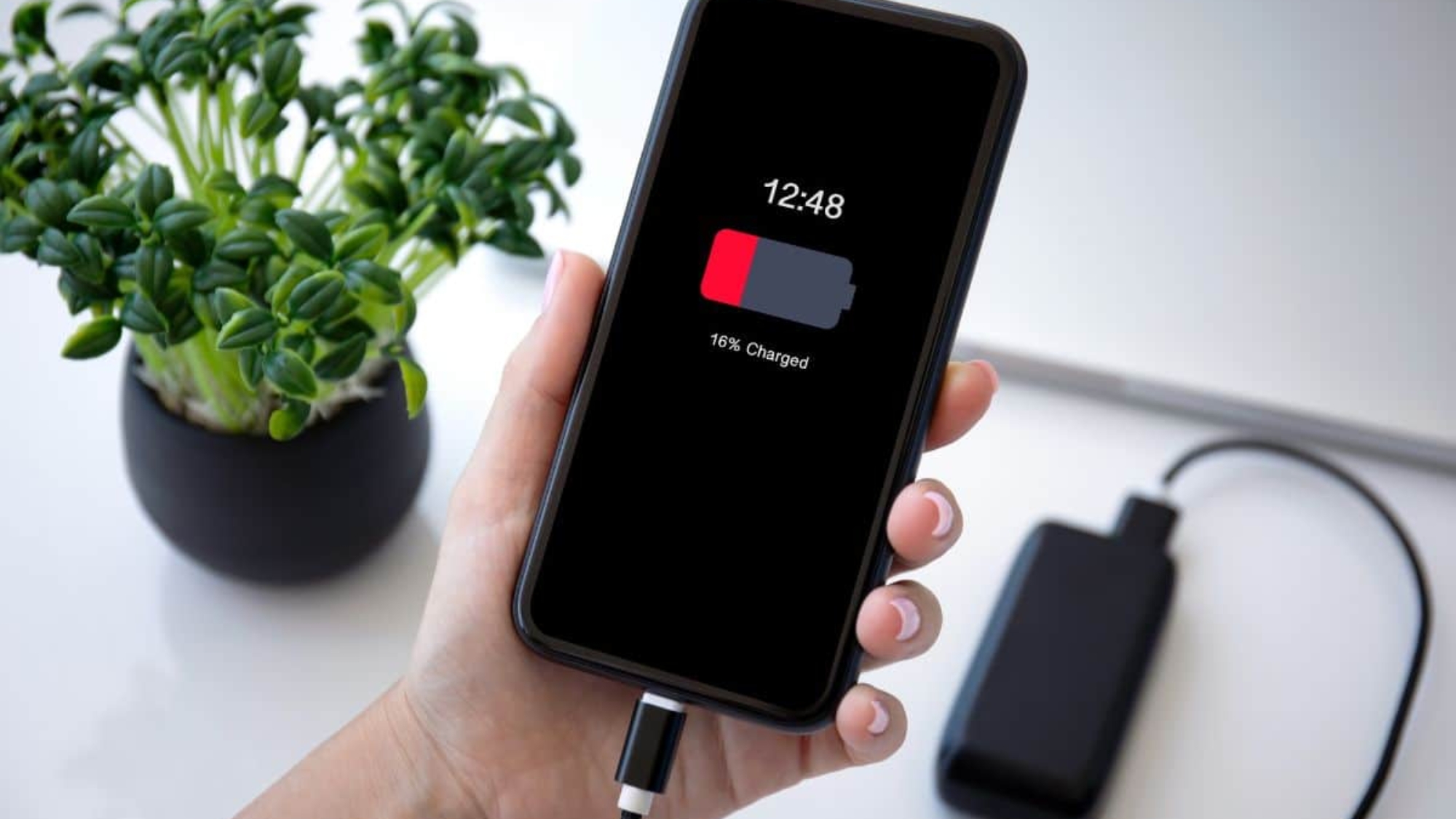
Your phone battery does not stay the same forever. After months or years of use, it can slowly lose its ability to hold power. At first, you may only notice small changes. Later, those changes can start affecting how you use your phone every day. That is why many users ask, when should you replace your phone battery?
In this blog, you will learn the answer to the common signs of a weak cell phone battery, simple battery care tips after replacement, and where to get a mobile phone battery replacement in West Hialeah, FL.
5 Signs When You Should Replace Your Phone Battery
A weak smartphone battery usually gives small warnings before it becomes a bigger problem. You may notice changes in how your phone holds power, charges, or performs during normal use. To understand when you should do a mobile phone battery replacement, let’s check out the signs below:

1. Fast Battery Drain
A fast battery drain is one of the most common signs of a weak phone battery. Your phone may lose charge quickly during normal use, like calling, texting, scrolling, or watching videos.
In some cases, the battery is the real issue. But apps, settings, or background activity can also use more power than expected. To rule out those causes, you can read our guide on why your battery is draining so fast.
If the problem continues even after basic fixes, your battery may no longer hold power well. At that point, a phone replacement battery may be the right solution.
2. Random Shutdowns
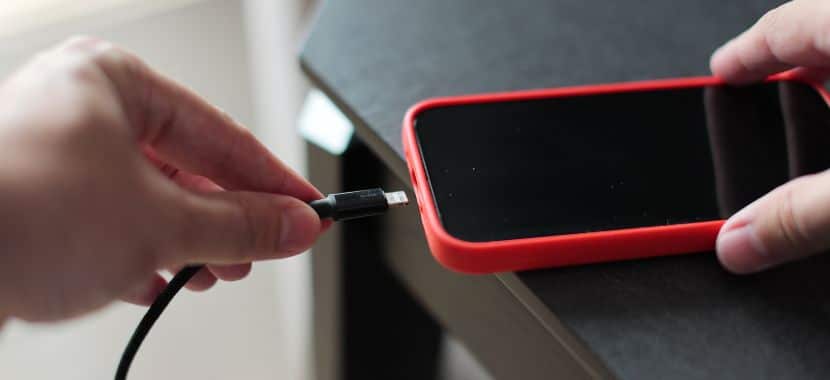
Random shutdowns can happen when your phone battery cannot provide steady power to the phone. Your phone may turn off even when it still shows some battery left. This can be frustrating during calls, messages, maps, or work. When it starts happening more often, it is a clear sign that the battery needs to be repaired or fully replaced.
3. Overheating Problems
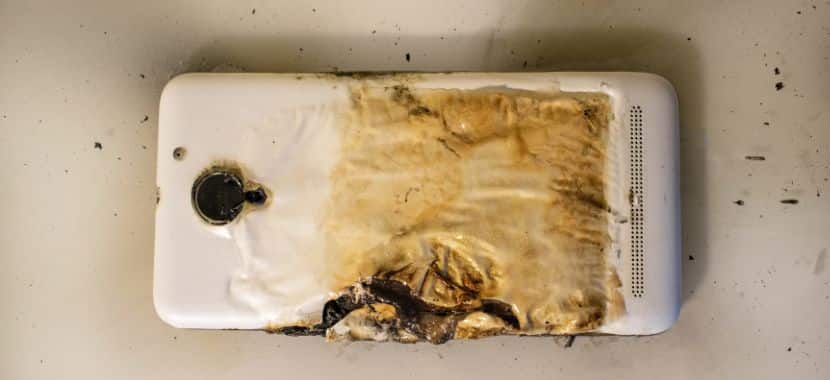
A weak battery can make your phone heat up faster than normal. When that happens, your phone can get warm during heavy use. But it should not get hot during simple tasks. When this keeps happening, it can affect your battery health and daily phone use. That is why you should get the battery checked before it leads to bigger phone battery repair issues.
4. Swollen Battery Signs
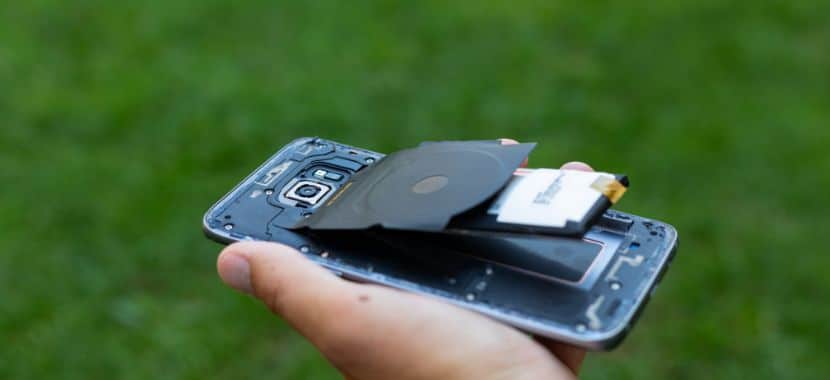
A swollen battery is a serious warning sign. When this happens, your phone may feel thicker than before, or the screen may start lifting from the frame. The clearest sign of a swollen battery is that the back cover may also feel uneven.
Warning: if you notice these signs. Do not keep charging it; instead, you should stop using the phone. Take it to a trusted repair shop quickly. A swollen battery needs safe handling.
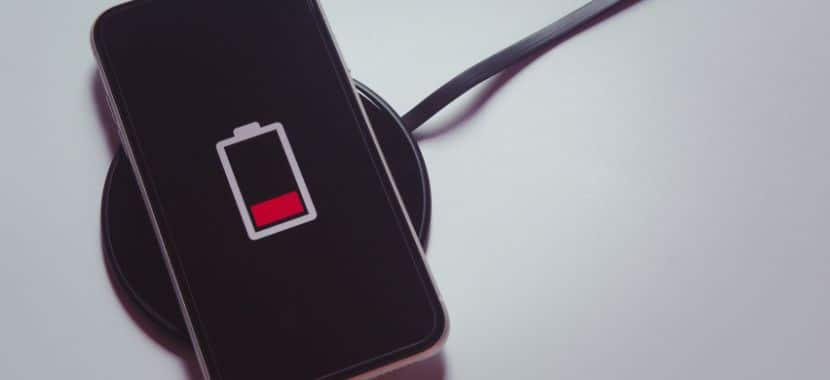
5. Slow Charging Issues
Even with a safe and compatible charger, if you notice signs like slow charging or taking longer than usual to charge are another sign that your smartphone battery may need attention.
Sometimes, the issue may not be the battery itself. A damaged or dirty charging port can also make your phone charge slowly or stop charging properly. If you use an iPhone, you can also check our guide on how to fix an iPhone charging port before deciding if the battery needs replacement.
If slow charging keeps happening along with poor battery life at that point, a mobile phone battery replacement may be the right next step. At this point, a mobile phone battery replacement may be the best next step.
Phone Battery Care Tips After Battery Replacement
After replacing your battery, good care can help it last longer. Small daily habits can improve battery health and phone performance. A few simple steps can help your new mobile battery work better for a longer time.
- Keep Your Phone Away From Heat: You should keep your phone away from Direct sunlight, Hot cars, and warm surfaces, as heat can weaken your phone battery over time. Phone brands also warn that using or charging a device in extreme temperatures can affect battery life,
- Use a Safe and Compatible Charger: Always use a charger that matches your phone model and charging needs, as a safe charger can help protect your new phone battery. Cheap, damaged, or low-quality chargers can cause slow charging and extra heat. This can affect battery health over time.
- Avoid Draining Your Battery to 0%: Don’t let your phone’s battery drop to zero regularly. Over time, this may shorten the battery’s life by increasing its workload. This simple habit can increase the lifespan of a new phone’s replacement battery.
- Manage Battery-Draining Apps: Check your battery settings to see which apps are using the most power. If you see apps, like video apps, games, maps, and social media apps running in the background, then close them or turn off background activity. They can use more battery than you think. This small habit can help your new replacement battery last longer during the day.
- Keep Your Phone Software Updated: Last but not least, keep your phone software updated. Software updates can help your phone work better after a battery replacement. They often fix small bugs that may cause battery drain, slow charging, or performance issues.
Where Can I Get Cell Phone Battery Replacement Near Me?
If your phone battery is dying fast, charging slowly, or turning off without warning, it may be time to get it checked. For rechargeable phone battery replacement in West Hialeah, FL, you can visit Techy West Hialeah.
Our technicians can inspect your device battery and find out what is causing the problem. Sometimes, the issue comes from an old battery. Other times, it may be linked to charging problems or heavy battery drain. If your battery is weak, we can help you with a mobile phone battery replacement using a compatible phone replacement battery for your device. This helps your phone charge properly and hold power better after the repair.
So, if your phone no longer holds a charge like before, bring it to Techy West Hialeah store for a battery check.
Final thoughts
Choosing the right time for a battery replacement can help you keep your phone reliable for daily use. Once the battery starts causing regular problems, waiting too long can make the device harder to use.
So if your phone battery is dying fast and you’re looking for trusted help in West Hialeah, FL, then contact Techy West Hialeah. Our team can check your device and help you get the right mobile phone battery repair, and if need we will do a replacement for better daily performance.
Add a Comment