


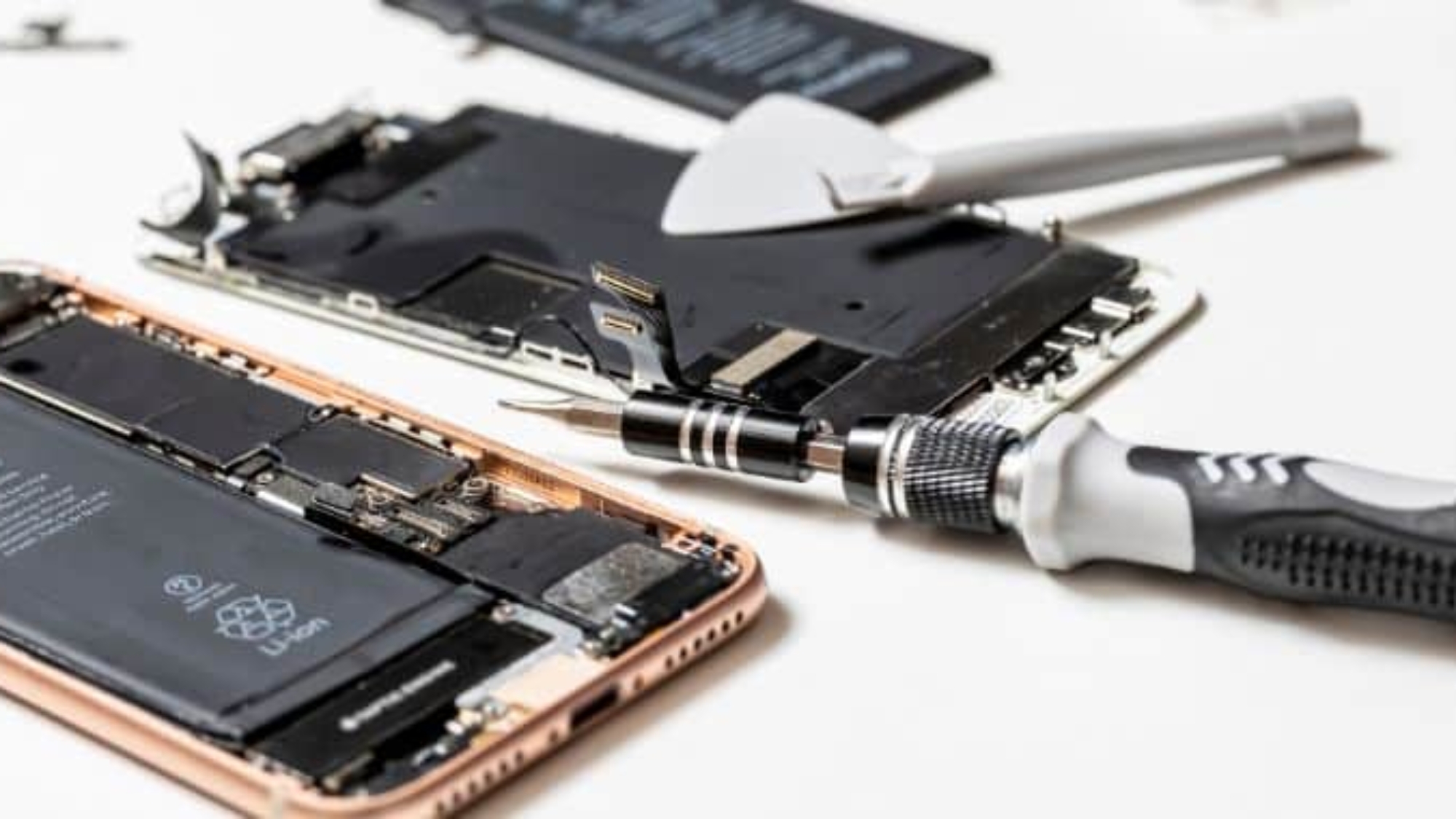
We rely on our iPhones for almost everything, so it’s frustrating when the most common iPhone repairs issues, like a cracked screen, a weak battery, or charging trouble, show up. The good news is that almost all of them can be fixed.
After years of fixing iPhones, we’ve seen these same problems again and again, so we usually know what’s causing them right away. In this guide, we’ll go through each one, what’s behind it, and how to know when it’s time to bring your iPhone in for repair.
7 Most Common iPhone Repair Issues
We know, as one of the best repair companies around, that iPhones are built well. But like any phone, they run into problems sometimes. The good thing is that most iPhone problems are well-known and easy to identify. Here are the ones we see most, and what usually causes them:
1. Cracked Screen or Damaged Display
This is the number one reason people bring an iPhone to the repair shop. One drop on a hard floor, and the glass cracks or the display stops working right. Sometimes only the top glass breaks, and the screen still works fine. Other times, the display underneath is damaged, then you’ll see lines, dark spots, or a screen that won’t respond to your touch.
Tip: iPhone screens tie into features like True Tone and Face ID, so it’s best to get a proper repair that keeps those working. Otherwise, a small crack can let in dust and water, which can quickly become a bigger issue. Most cracked screens come from just a few avoidable habits and reasons, so if you know the reasons early, then you can easily avoid them.
2. Battery Draining Fast
Does your iPhone battery run out too fast, even when you barely use it? That’s because every iPhone battery gets weaker over time. After about 500 charges, it holds less power, so the phone dies faster, shuts off with charge still left, or feels warm. To check your iPhone battery health,
- go to Settings,
- then Battery,
- then Battery Health,
- and look at “Maximum Capacity.”
If that number is below 80%, your battery is wearing out, and it’s probably time to replace it. A new battery will make your phone feel like new again.
3. Charging Problems
Charging trouble is one of the most common iPhone issues. If your iPhone won’t charge at all, or only charges when you hold the cable a certain way, that usually means the charging port may be full of dust or lint, which blocks the connection. Other times, a damaged cable, a faulty charger, or a broken charging port can also cause the problem. On newer iPhones, the port is USB-C, while older models use Lightning, but the problem shows up the same way on both.
4. Face ID or Touch ID Not Working
Sometimes your iPhone stops recognizing your face or fingerprint, and you may need to type your passcode every time. It’s a common iPhone issue, and that can happen for several reasons.
In many cases, the problem is caused by something simple, like dirt on the camera or Home button, a screen protector blocking the sensor, or a recent software update. But if Face ID or Touch ID still won’t work after that, the sensor itself may be damaged, often from a drop or a screen repair done with the wrong parts.
5. Camera Issues
For an iPhone, it’s rare, but a few camera problems can still happen, such as blurry or spotty photos, which usually come from a dirty or scratched lens, an easy thing to overlook. If your iPhone camera shows a black screen when you open it, thats mean it may be a software issue. However, it can also be a sign that the camera itself has failed.
Warning: If your iPhone has multiple rear cameras, one lens may work normally while another struggles to focus. In that case, water damage is a common cause of this and other camera-related issues.
6. Water Damage
Some people think iPhones are waterproof, but the truth is, they’re not. They’re water resistant, which is not the same thing. Most newer iPhones carry an IP68 rating, meaning they can handle a bit of water for a short time, but they’re not built to be soaked.
As an iPhone gets older, its water resistance can weaken, so an iPhone that survived a splash last year might not be so lucky now. Once water gets inside, it can reach the battery, the screen, or internal components, and that’s when you see glitches, charging issues, or a phone that quits.
7. Software Glitches
Sometimes the trouble is in the software, such as the phone freezing, apps shutting down on their own, or it getting stuck on the Apple logo and won’t start up. Most of the time, this isn’t serious. It mainly happens when the phone’s storage is running low, it’s running an old version of iOS, or it’s holding onto a buggy app.
A simple restart, freeing up some space, or updating iOS usually clears it. But if your iPhone keeps freezing or stays stuck on the Apple logo even after all that, it can point to something deeper, like failing storage or damage left behind by a drop or water.
Can You Fix It Yourself, or Should You See a Pro?
So now you know the common problems. The next question is what to do when one shows up. It really depends on the issue. Some things you can handle on your own. A frozen iPhone usually just needs a restart. A slow one might only need some storage cleared or an iOS update. And a charging port full of lint can often be cleaned out gently at home. For small stuff like that, there’s no need to pay anyone.
Other problems are better left to a professional, as iPhones are pretty difficult to handle. One wrong move can turn a small fix into an expensive one, and using the wrong parts can even break features like Face ID or True Tone. If you want a closer look at the risks and costs, here’s when it’s worth bringing your iPhone to a pro.
When it does come to that, it helps to have a shop you can trust. If you’re searching for iPhone repair near Hialeah, the team at Techy West Hialeah can handle any of these repairs. Every repair includes a lifetime labor warranty, and most repairs are finished the same day.
Final Thoughts
The best way to keep your iPhone working well is to fix small problems before they get worse. If something isn’t working right, whether it’s the screen, battery, or charging port, the right repair can get your iPhone working properly again. That’s why it’s important to have a trusted repair expert when something goes wrong. If you’re in West Hialeah, FL, and your iPhone needs repair, we’re here to help with all kinds of iPhone issues and get your device working properly again. Need help finding us? Check out our Techy West Hialeah iPhone repair shop.
Frequently Asked Questions
How much does it cost to fix an iPhone screen?
Most iPhone screen repairs cost between $100 to $330, depending on the model. Older iPhones with smaller screens are cheaper, while newer Pro and Pro Max models with OLED displays cost more. A simple glass crack also costs less than a full display replacement.
How long does an iPhone repair take?
Most common iPhone repairs are quick, usually 30 minutes to a couple of hours. A screen or battery replacement often gets done the same day, and smaller jobs like cleaning a charging port can be even faster. The only thing that really slows it down is parts; if your model needs one ordered, it may take a little longer.
Is it worth repairing an old iPhone, or should I replace it?
It’s usually worth repairing if the fix costs less than about a third of a new phone and your iPhone is under five years old. A single repair, like a new screen or battery, can give an older iPhone two or three more good years. But if it’s very old, hasn’t been updated in a long time, and has multiple issues, then it might be better to replace it.
Does replacing my iPhone screen affect Face ID or True Tone?
It can, but only if the repair is done with the wrong parts. Face ID and True Tone are tied to specific iPhone components, so a cheap repair with non-genuine parts can stop them from working. A good shop uses quality parts and carries the right components over, so both keep working after the screen is replaced.
Can a water-damaged iPhone be fixed?
Normally, yes, but it depends on how much water got in and how fast you act. iPhones are water-resistant, not waterproof, so a quick splash is usually fixable, while water that reaches the battery or logic board is harder to repair. The most important thing is to turn it off right away and avoid charging it, then get it looked at as soon as you can.
Add a Comment