


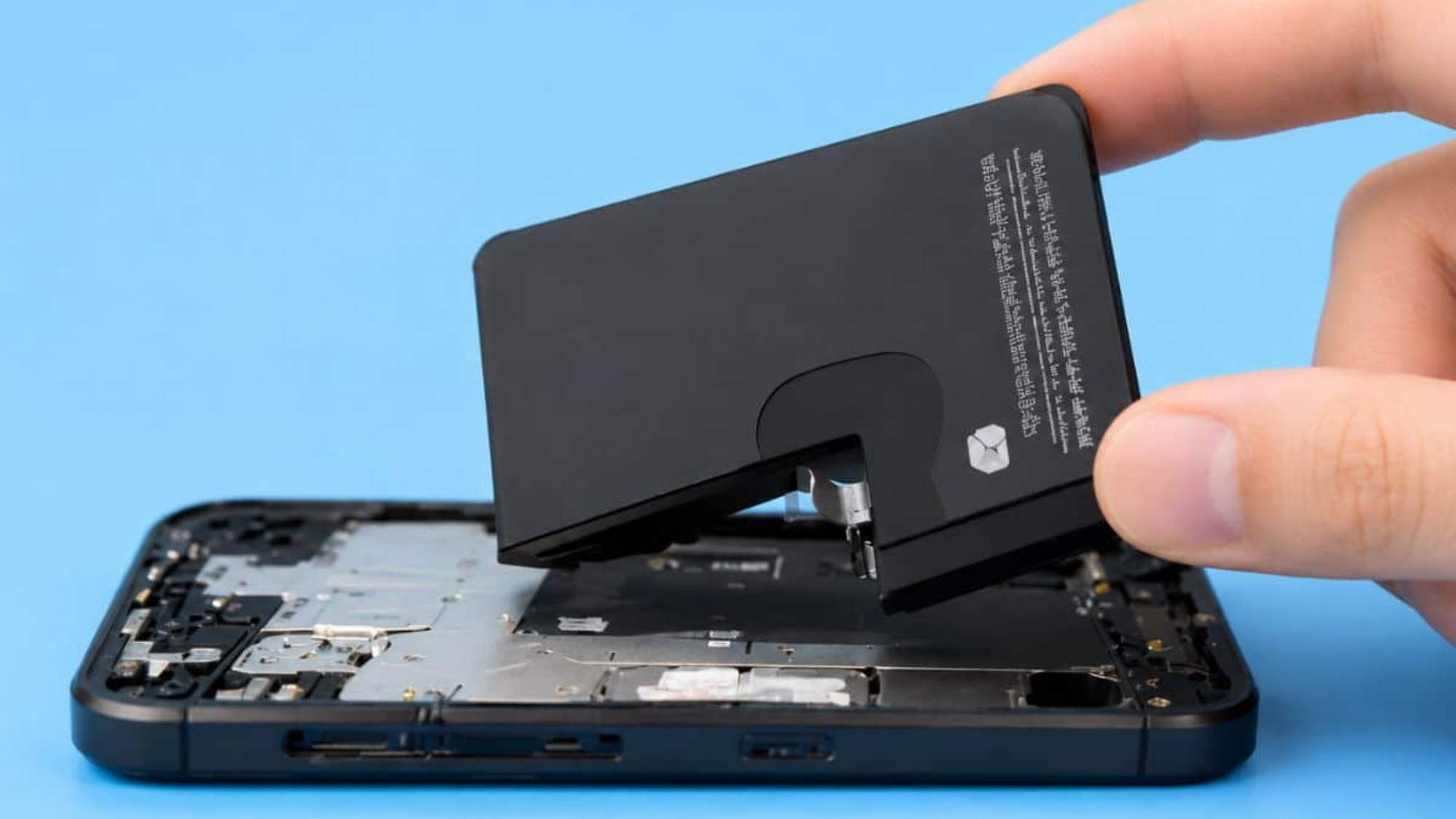
When your iPhone battery starts having problems, the whole phone can feel less reliable. You may find yourself charging it more often as you are dealing with faster battery drain. That is usually when many people start asking, how can you replace an iPhone battery?
Some people prefer to do the work themselves, while others would rather have a professional do it. In this blog, we will keep things simple and explain what to look for, how the iPhone battery replacement process works, and when professional help may be the better choice.
Signs When to Replace an iPhone Battery?
Your iPhone battery can start getting weaker before it becomes a serious problem. At first, the changes may feel small, but over time, they can affect how you use your phone every day. That’s why, if you know what to look for, you can tell if the battery needs to be fixed. Now, let’s look at the common signs:
- Your battery drains too fast: Your iPhone used to last most of the day, but now the charge drops quickly even when you are not using it much.
- Your iPhone turns off suddenly: The phone shuts down even when it still shows 10%, 20%, or more battery left.
- Battery Health is low: You can check the Battery Health screen in your iPhone settings. It shows how much power your battery can still hold compared to when it was new. If the number is low, your iPhone may lose charge faster and struggle to last through the day.
- The battery percentage jumps around: Your phone may show 40% battery, then suddenly drop to 15%, or fluctuate for no clear reason.
- Your iPhone gets too hot: It is normal for a phone to get a little warm sometimes, but if it gets hot during simple use or charging, that means the battery may be struggling.
- Charging takes too long: Your iPhone takes much longer to charge than it used to, even with a working charger and cable.
- It only works well when plugged in: If your iPhone keeps dying unless it stays connected to a charger, the battery may no longer be strong enough.
- The screen or back looks lifted: A weak or swollen battery can sometimes push the screen or back panel up. This is a serious sign, and you should stop using the phone and take it to a repair expert.
- You see a “Service Recommended” message: Your iPhone may show this message in Battery Health.
- Your phone no longer lasts through your normal day: If you always need to charge your iPhone before the day is over, it may be time to change the battery.
If you want to understand these warning signs in more detail, you can also read our guide on when to replace your phone battery.
How can you replace an iPhone battery at home?
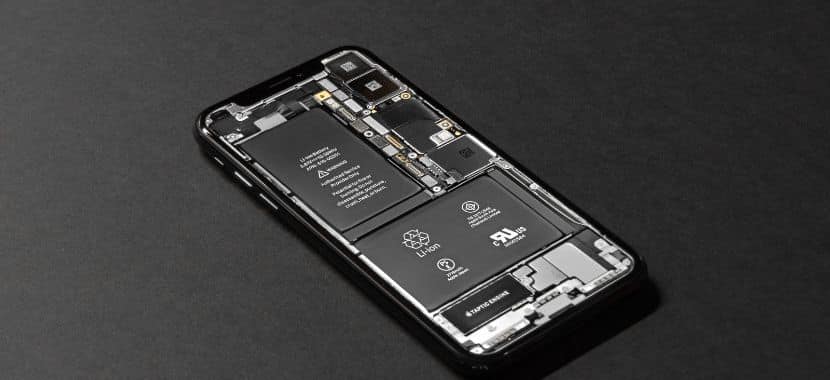
Replacing an iPhone battery at home is not just about opening the phone and putting in a new battery. In fact, you need to follow the steps carefully so you do not damage the screen, cables, or other small parts inside the device. To make the process easier, here is a simple step-by-step flow for DIY iPhone battery replacement:
Step 1: Check If the Battery Is Really the Problem
Before replacing the battery, make sure the battery is actually causing the issue. Signs like if your iPhone drains too fast, shuts down suddenly, or shows low Battery Health, that means the battery may be worn out. But if your phone is not charging at all, the problem could also be the charger, cable, charging port, or software.
Step 2: Get the Right Battery and Repair Tools
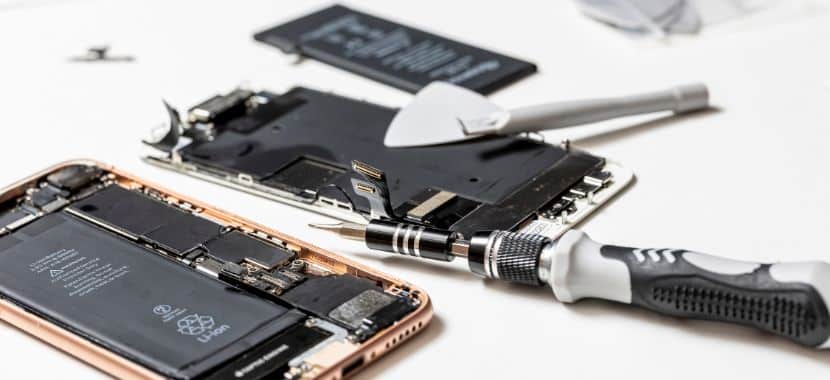
If you want to change an iPhone battery at home, make sure you have the right replacement battery for your exact iPhone model, the proper repair tools, new adhesive strips, and a clear guide to follow. Some people use an iPhone battery replacement kit because it usually includes the basic tools and parts needed for the job. This is important because every iPhone model is a little different, and using the wrong battery or tools can cause problems.
Step 3: Prepare a Clean Workspace
Always try to use a clean, flat table with good lighting. Keep small screws and parts organized so they do not get lost. This may sound simple, but it will make the whole replacement process easier.
Step 4: Back Up Your iPhone and Turn It Off
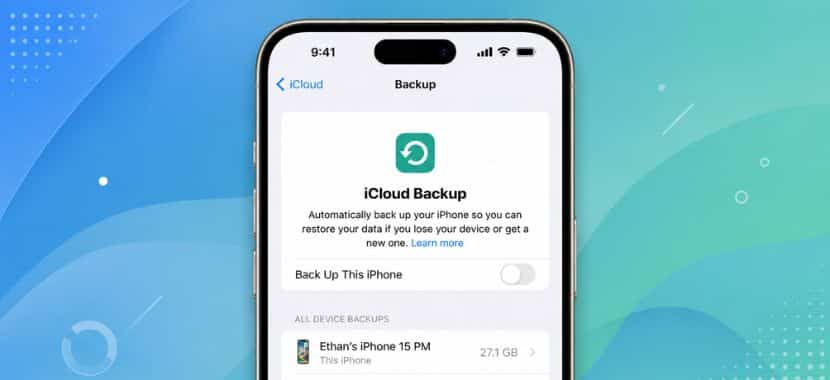
Before starting any DIY iPhone battery replacement, back up your photos, contacts, and important files. Then turn the iPhone off completely. This will help to protect your data.
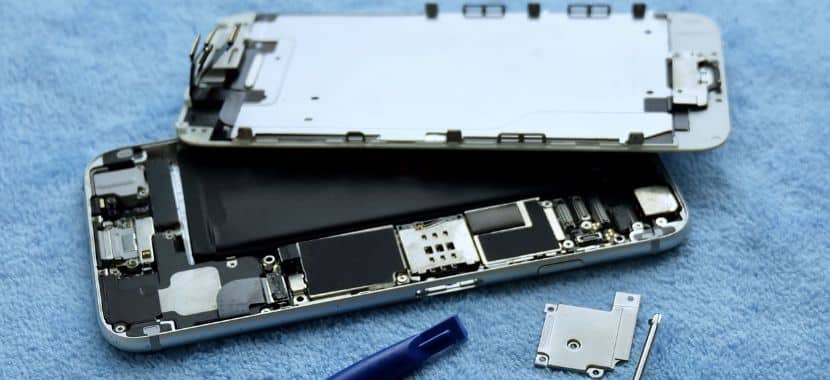
Step 5: Open the iPhone carefully
Once the iPhone is turned off, you need to remove the screen carefully. Take your time with this step, because the screen is connected to delicate cables inside the phone. If you use too much force, you could damage the screen, connectors, or other parts inside the phone.
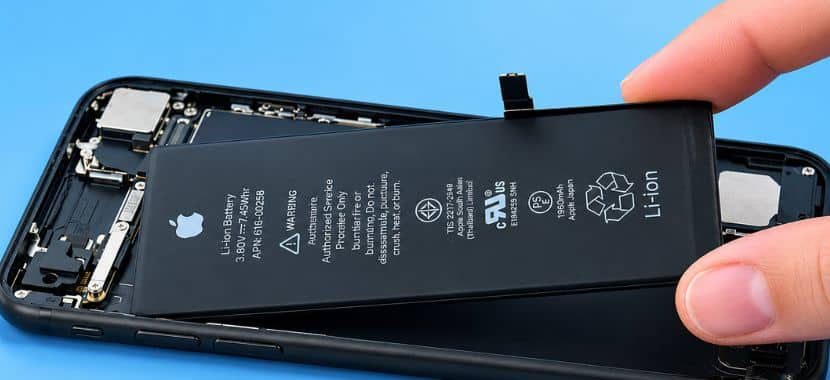
Step 6: Disconnect and Remove the Old Battery
Once the phone is open, the old battery needs to be disconnected and removed. iPhone batteries are usually held in place with strong iPhone battery adhesive, so this step should be done slowly and carefully.
Warning: Damaging the battery or internal parts can create bigger repair problems.
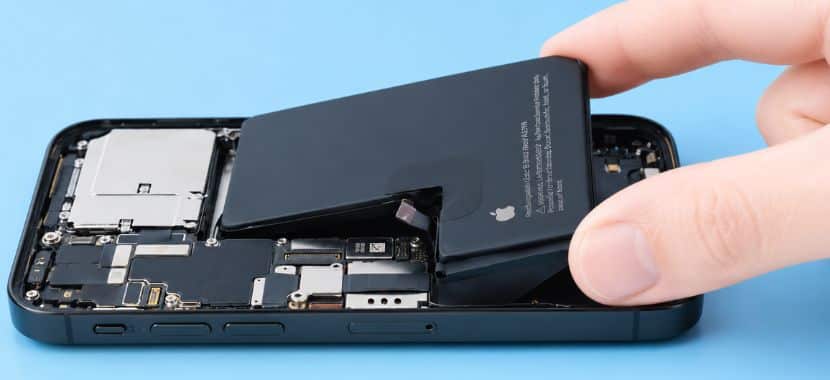
Step 7: Install the New Battery
After removing the old battery, place the new battery inside the phone with fresh adhesive strips. Make sure it fits properly and connects securely. If the battery does not sit correctly, do not force it.

Step 8: Test the iPhone Before Closing It
Before you seal the phone back up, turn it on and test it. Check that the screen responds, the battery percentage shows, and the iPhone charges normally. This step helps you spot any issues before the device is fully closed.
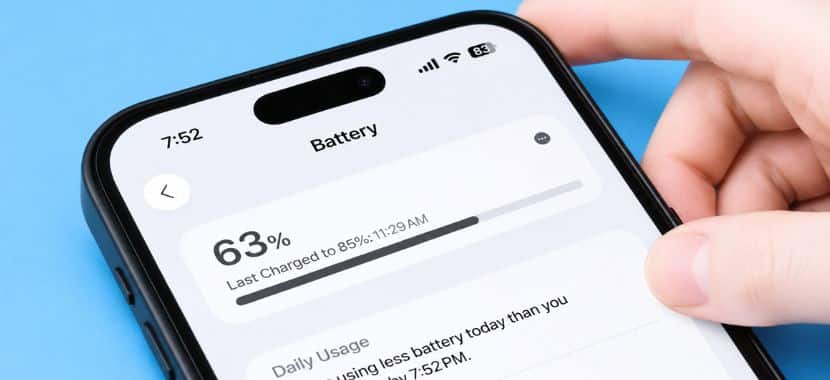
Step 9: Close the Phone and Check Battery Performance
If everything looks good, carefully close the phone. The job is done, but you still have to monitor the battery for the next few days to make sure it charges normally and lasts longer than before. A properly installed battery should help fix common problems like quick battery drain or unexpected shutdowns.
Is DIY iPhone Battery Replacement Safe?
DIY iPhone battery replacement may seem simple when you watch a short repair video, but the real process needs more focus as iPhones have tiny screws, strong adhesive, and delicate parts inside. So it is important to understand when DIY makes sense and when it may be too risky. Before you decide, think about these points:
- It depends on Your Tools and experience: Apple also offers Apple Self Service Repair for people with repair experience, which shows that iPhone battery replacement is not as simple as changing a regular battery. You need the right parts, proper tools, and enough confidence to handle small internal components carefully. If you do not have those things, then try this at home.
- The Condition of Your iPhone Matters: DIY battery replacement is not recommended if your iPhone has a swollen battery, cracked screen, water damage, or charging issues. These problems can make the repair more complicated and increase the risk of damaging the phone further, so it is safer to have a professional inspect it first.
- Professional Repair Is Safer If You Are Unsure: If you are not fully comfortable replacing the battery yourself, choosing a professional iPhone battery replacement service is the safer option. With professional iPhone battery replacement, a technician can install the battery properly, test the phone, and make sure it is working before returning it to you.
Where Can I Get an iPhone Repaired in West Hialeah, FL?
After understanding the risks of DIY iPhone battery replacement, the next step is knowing where to take your phone if you want expert help. If you are searching for an iPhone battery replacement near me, West Hialeah, FL, you can visit a trusted local repair provider like Techy West Hialeah for iPhone repair and battery replacement help. The good thing about choosing a repair shop is that a technician will inspect your phone first, instead of replacing the battery without checking the real issue.
At Techy West Hialeah, you can get help with charging issues, dead batteries, and other common iPhone fixes all in one place. A technician will replace the battery if needed and test the device before giving it back. This is much safer than guessing the problem or trying to open the phone yourself. So, if your iPhone no longer holds a charge like before, bring it to the Techy West Hialeah store for a battery check.
Final Thoughts
At the end of the day, your iPhone should last through your normal routine without keeping you stuck near a charger. If the battery drains fast, shuts down without warning, or no longer holds power as it used to, then replacing the battery can help improve its performance. You can try a DIY iPhone battery replacement at home, but if you are not sure what is causing the problem or do not feel comfortable opening the phone, it is better to get expert help. In that case, you can contact Techy West Hialeah for complete iPhone repair services in Hialeah, including charging problems, screen issues, and other common iPhone repairs.
Add a Comment