


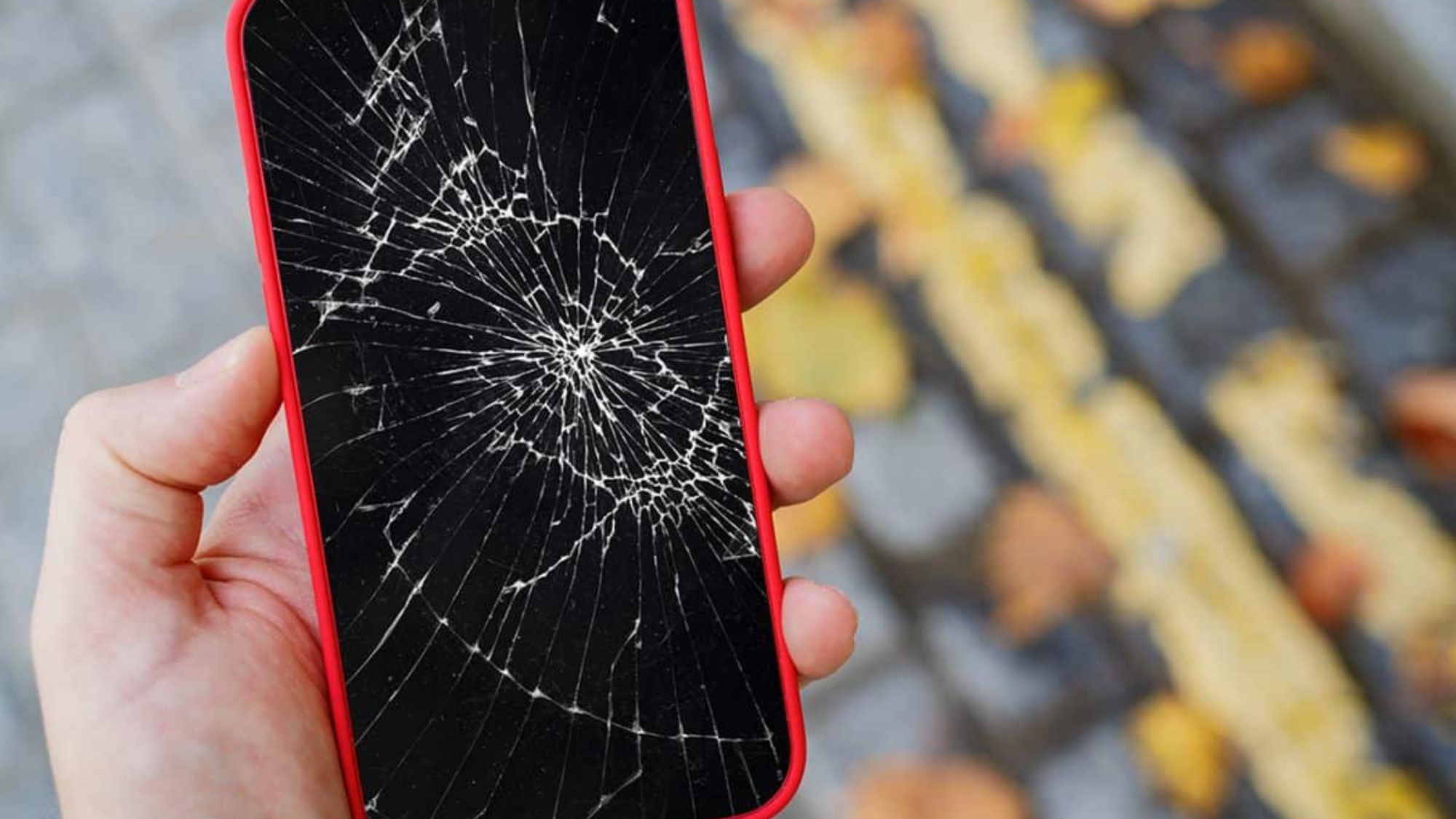
If you’re trying to unlock iPhone with broken screen, you’re probably frustrated right now. Maybe the screen is cracked but still responsive. Maybe the screen is black but the phone still vibrates and rings. Or worse, the iPhone touch screen is not working and you can’t unlock it at all.
In some cases, the display is completely dead. No matter the situation, you still need access to your data. This guide explains how to unlock iPhone with broken screen safely, how to access iPhone with a broken screen, and what to do when you need to unlock a phone when screen is broken without risking your information. Let’s break in down the unlocking solution in detail:
Can You Unlock an iPhone With a Broken Screen?
If you’re trying to unlock an iPhone with a broken screen, the answer depends on the type of damage. A cracked display is very different from a failed digitizer. Before you attempt anything, identify whether the phone still responds to touch or if the screen is fully unresponsive. That difference determines whether you can access an iPhone with a broken screen safely or if professional repair is required.
When the Screen Is Cracked but Touch Still Works
If your display is damaged but still responds, you may be able to unlock your phone and protect your data before repair.
If the screen is cracked but you can still swipe and tap, you can usually unlock phone when screen is broken without advanced tools.
Quick unlock steps:
- Enter your passcode carefully, avoiding cracked areas.
- Back up your device immediately using iCloud or a trusted computer.
- Test Face ID or Touch ID if available.
Disable passcode temporarily (if safe to do so):
Go to Settings > Face ID & Passcode (or Touch ID & Passcode) and turn off the passcode. This reduces the risk of getting locked out if the screen becomes fully unresponsive.
Enable AssistiveTouch:
Navigate to Settings > Accessibility > Touch > AssistiveTouch. This creates an on-screen button that can help you control the device if certain parts of the screen stop responding.
In this scenario, you still have control. The priority is backing up your data before the damage worsens.
When the iPhone Touch Screen Is Not Working and You Can’t Unlock
If your iPhone touch screen is not working and you can’t unlock it, the issue is likely deeper than surface damage.
When the iphone touch screen is not working, a can’t unlock situation happens, the problem often involves the digitizer. The digitizer is the layer beneath the glass that detects touch input. If it fails, your swipes and taps won’t register, even if the display lights up.
Why swipe won’t register:
- Digitizer damage from impact
- Internal cable disconnection
- Liquid exposure
- Severe screen pressure cracks
In this case, you cannot unlock iPhone with broken screen using normal touch gestures. However, options may still remain:
- Use Face ID if it activates automatically
- Connect a Lightning-to-USB adapter and use an external keyboard
- Access the device through a previously trusted computer
- Seek professional screen replacement to restore full functionality
If the display shows content but touch does not respond, the issue is hardware-related. Software resets will not fix it. At that point, the safest way to access iPhone with broken screen without risking data loss is proper screen repair performed with quality parts.
How to Unlock iPhone With Broken Screen Using Siri
If you need to unlock iPhone with broken screen and the display still responds partially, Siri can sometimes help. This method works best when the phone is powered on, connected to Wi-Fi or cellular data, and Siri is already enabled from the lock screen.
When Siri Works
If your screen is cracked but still responsive, you can press and hold the Side button or say “Hey Siri.” Ask Siri to turn on VoiceOver or open a specific app like Settings. In some cases, this allows limited navigation even when the iPhone touch screen is not working and you can’t unlock it normally. This can help you access iPhone with broken screen long enough to back up data or disable the passcode temporarily.
VoiceOver Workaround
Once VoiceOver is active, the screen responds differently. Instead of tapping once, you tap to select and double-tap to confirm. This can help you enter your passcode if parts of the screen still detect touch. It’s not perfect, but it can be a short-term way to unlock phone when screen is broken and regain control of essential features.
Risks and Limitations
This method does not work if:
- Siri is disabled on the lock screen
- The display is completely dead
- The digitizer is fully damaged
Also, newer iOS versions include stronger security protections. Apple frequently updates iOS to prevent lock screen bypass methods. A workaround that worked on older versions may no longer function after a security update. Always use legitimate recovery methods and avoid third-party “unlock” tools that claim to bypass Apple security, as they can cause data loss or permanent device lock.
Unlock iPhone With Broken Screen Using External Keyboard
If the display turns on but touch input fails, an external keyboard can help you unlock iPhone with broken screen without risking data loss.
When the digitizer is damaged and the iPhone touch screen is not working, you can’t enter your passcode by tapping the screen. In this case, using a wired keyboard becomes a reliable workaround. This method is practical, safe, and often overlooked by users trying to access an iPhone with a broken screen quickly.
What You Need (Lightning to USB Adapter)
The right hardware connection allows you to control your device without touch input.
To unlock iphone with broken screen using a keyboard, you will need:
- Apple Lightning to USB Camera Adapter (or compatible OTG adapter)
- A standard USB keyboard
- A powered iPhone with a visible display
Plug the adapter into your iPhone, then connect the keyboard. If the screen is active, the phone should recognize the keyboard automatically. No special setup is required in most cases.
How to Enter Passcode Using Keyboard
This method works when the screen displays the passcode entry but does not register touch.
Once connected:
- Press the Space Bar or any key to wake the device.
- Type your numeric passcode directly using the keyboard.
- Press Enter if required.
If entered correctly, the phone unlocks immediately. This solution works especially well when the display is intact but the iphone touch screen not working can’t unlock situation occurs due to digitizer failure.
After unlocking, back up your data right away using iCloud or a trusted computer. This step protects you before arranging repairs.
When This Method Works
Understanding device conditions helps determine success rate.
This solution works when:
- The display is visible and functioning
- The phone powers on normally
- The passcode screen appears
- The charging port is working
It will not work if:
- The screen is completely black
- The device is disabled after too many failed attempts
- The port is damaged
For users searching how to unlock iphone broken screen safely, this is one of the most effective non-invasive methods. However, if both display and touch layers are damaged, professional screen replacement becomes the only reliable way to unlock phone when screen is broken and regain full access.
How to Access iPhone With Broken Screen Using a Computer
If you need to access iPhone with broken screen and touch input is not working, a trusted computer may allow you to back up or manage your data safely.
When the iPhone touch screen is not working and you can’t unlock it normally, connecting the device to a Mac or Windows PC can sometimes restore limited access. The success of this method depends on whether the device was previously trusted.
Using Finder (Mac)
Modern macOS versions allow you to manage your iPhone directly through Finder.
If you use macOS Catalina or Later:
- Connect your iPhone using a Lightning cable.
- Open Finder and select your device under Locations.
- If recognized, you can create a full backup immediately.
This method helps you access iPhone with broken screen long enough to secure photos, contacts, and app data before repair.
Using iTunes (Windows)
Windows users can manage device backups through iTunes.
- Connect your iPhone to your PC.
- Open iTunes.
- Select your device icon when it appears.
- Click Back Up Now.
If the phone connects successfully, you can protect your data even if you cannot unlock phone when screen is broken using touch.
If You Already Trusted the Computer
Previously trusted devices allow faster access. If you connected and tapped “Trust This Computer” before the screen broke, your computer can communicate with the device without additional approval. In this case, you may not need to unlock iphone with broken screen manually to perform a backup.
If You Did NOT Trust the Computer Before
This is where limitations apply. If the device was never trusted, the iPhone requires on-screen approval. When the iphone touch screen not working can’t unlock, you cannot confirm the trust prompt. In this scenario, options are limited to:
- Using an external keyboard to enter the passcode
- Repairing the screen temporarily to regain access
For most users, the safest path to access iPhone with broken screen without risking data loss is a proper screen repair followed by immediate backup.
Unlock Phone When Screen Is Broken and Completely Black
If your screen is dark or unresponsive, the solution depends on which component failed.
Use this quick decision guide to determine how to unlock phone when screen is broken and recover access safely.
If Display Works But No Touch
Screen is visible, but taps and swipes do not respond. This usually means digitizer failure. You can still unlock iPhone with broken screen using:
- A Lightning-to-USB adapter with an external keyboard
- Face ID (if enabled)
- Once unlocked, back up immediately.
If Touch Works but Display Is Black
You can feel vibration or hear sounds, but the screen is dark. Try connecting to a trusted computer to access iPhone with broken screen and perform a backup. A temporary screen replacement may also restore visibility without data loss.
- If Both Are Not Working
- No display and no touch response.
At this point, unlocking is not possible without professional repair. Screen replacement is the safest way to regain access and protect your data.
How to Back Up iPhone With Broken Screen Before Repair
Before you unlock iPhone with broken screen for repair, secure your data first.
iCloud Backup
Best option if the phone is powered on and connected to Wi-Fi.
Go to Settings > [Your Name] > iCloud > iCloud Backup > Back Up Now. This helps you access iPhone with broken screen later without losing photos or contacts.
iTunes or Finder Backup
Ideal when touch is limited but the device connects to a computer.
Create a full local backup.
Why This Matters
Screen replacement is safe, but backing up protects you from unexpected data loss.
When DIY Won’t Work (Professional Repair Is the Only Option)
If you cannot unlock iPhone with broken screen using workarounds, the issue is likely hardware-related. Some damage goes beyond surface cracks.
- Digitizer Damage: When the touch layer fails, taps and swipes will not register. If your iPhone touch screen is not working and you can’t unlock it, replacing the display assembly is often required.
- OLED Failure: On newer models, OLED panels control brightness and color. A black screen with vibration usually points to display failure, not software.
- Internal Board Damage: Severe drops can affect connectors or logic board components. In these cases, trying to unlock phone when screen is broken without repair may risk further damage.
- Data Recovery Risks: Cheap tools or unauthorized bypass software can permanently lock your device.
If you need to access iPhone with broken screen safely, professional screen repair is the most reliable solution. Consider linking here to your iPhone screen repair service page for same-day support.
How Much Does It Cost to Fix a Broken iPhone Screen?
Understanding repair cost helps you decide quickly and avoid low-quality fixes. Pricing depends on the model:
- Older LCD models (iPhone 8, XR): typically lower range
- OLED models (iPhone X and newer Pro series): higher range due to display technology
OLED screens cost more because they integrate advanced display and touch layers.
Be cautious with ultra-cheap repair shops. Poor-quality parts can cause Face ID failure, display discoloration, battery drain, or touch ghosting.
For accurate pricing, link internally to your iPhone screen replacement cost guide or local repair location page. Investing in quality repair protects both your device and your data.
Other Guides:
- How to Unlock a Blu Phone?
- Tips for Repairing Water-Damaged Smartwatches
- Where is the Power Button on an Asus Laptop – 5 Tips for Locating
- How to Check If Your Phone Is Tapped (Complete Guide)
- How to Get Rid of Virus on your Phone
Final Thoughts
If you’re searching for how to unlock iPhone with broken screen, the right solution depends on the type of damage. A cracked but responsive display may allow quick fixes like AssistiveTouch or an external keyboard. A black or unresponsive screen often requires a trusted computer or professional repair. The key is to act fast, back up your data, and avoid risky software that can lock your device permanently.
In many cases, unlocking the iPhone is possible. When it’s not, a proper screen replacement restores full access safely. Knowing your options helps you protect your data and make the smartest next move.
Frequently Asked Questions
To unlock iPhone with broken screen without losing data, focus on non-destructive methods first. If the display still works, use Face ID, Siri, or an external keyboard to enter your passcode. Then back up immediately using iCloud or a trusted computer. If touch is completely unresponsive, professional screen replacement is the safest way to regain access without erasing your device. Avoid third-party “unlock” software, as it can cause permanent data loss.
Yes, in some cases. If the screen is cracked but responsive, you can manually enter your passcode. If touch is partially damaged, AssistiveTouch or VoiceOver may help. An external keyboard using a Lightning adapter can also work without a computer. However, if the screen is black and unresponsive, you may not be able to unlock the phone when the screen is broken without repair.
If your iPhone touch screen is not working and you can’t unlock it, the issue is usually digitizer failure. You can try connecting a wired keyboard to enter your passcode. Face ID may also unlock the device automatically if enabled. If neither option works, replacing the screen is typically required to restore access.
Yes, but it depends on the damage. If you previously trusted your computer, you can connect the device and create a backup to access the iPhone with broken screen data, including photos. If iCloud backup was enabled, you can log into iCloud.com from another device to view synced images. If the phone cannot be unlocked, professional repair may be necessary before retrieving data.
Apple does not bypass security locks. If your device is passcode protected, Apple will require you to enter the passcode after screen repair. They may replace the display, but they will not unlock the iPhone with a broken screen without proper authentication. If the device is disabled, restoring it through official methods may erase data unless you have a backup.
Add a Comment